ENDISM scans your apps, exposes adware, blocks the sites you choose and keeps screen time in check. Everything runs on your phone — no ads, no trackers, no VPN.
One clean app for scanning, adware, safe browsing and healthy screen time — with every powerful permission asked only when you turn its feature on.
Smart Scan & Full Scan
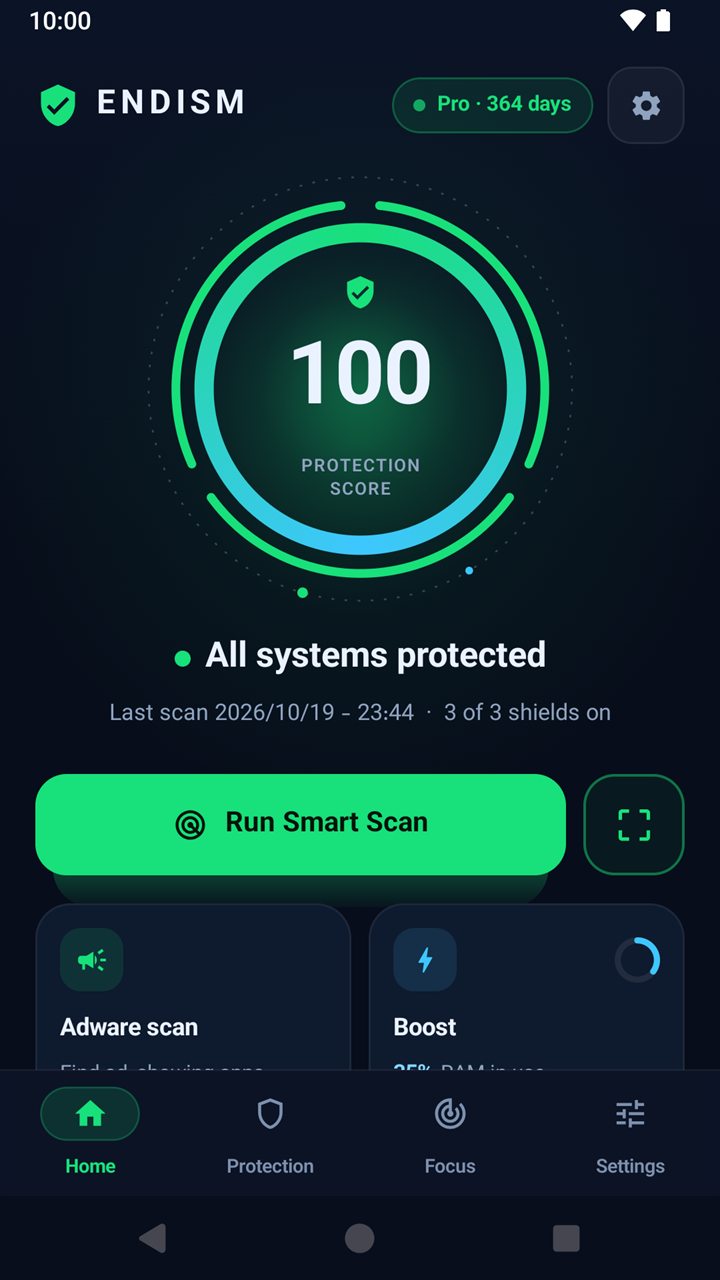
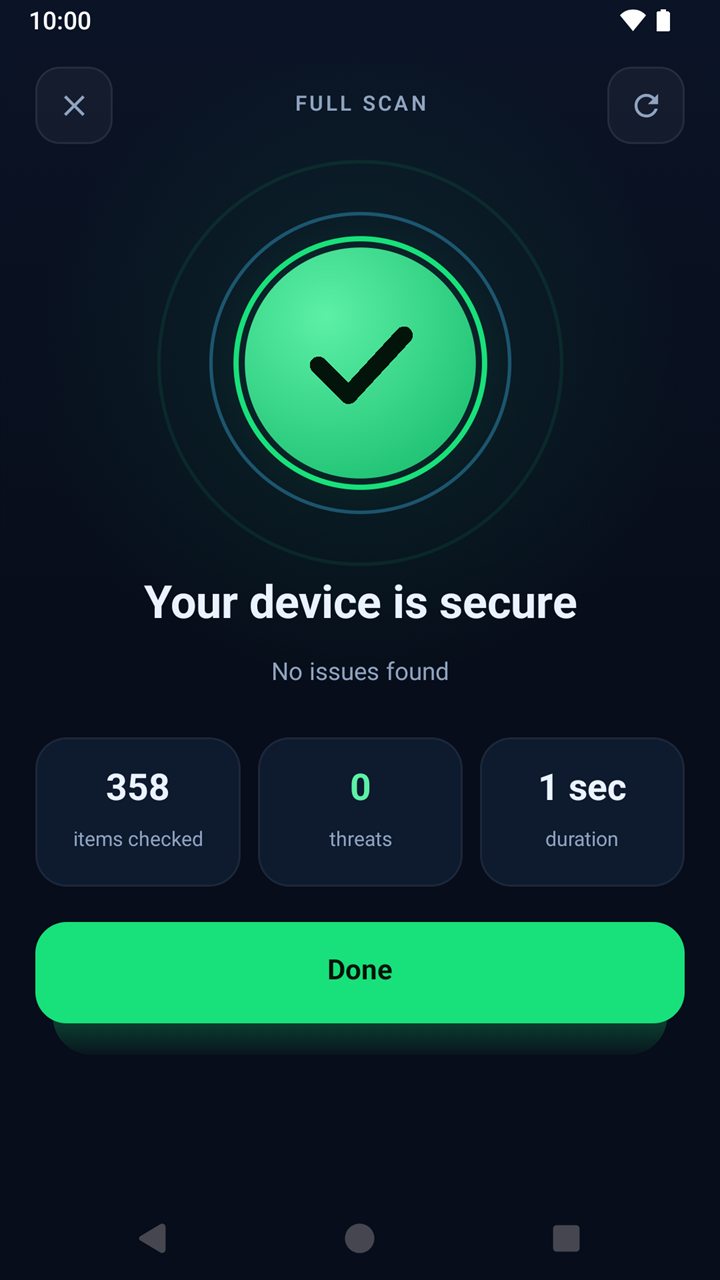
Check every installed app and APK file for known risky or unwanted software in seconds. A single protection score tells you where you stand, and you review every result before anything is removed.
Installed appsAPK filesProtection score
Adware & Pop-up Detector
Finds apps with the real traits adware uses — hidden icons, pop-up permissions, misleading names — and tells you which app was on screen right after an ad.
Site Guard
Block the websites you choose in supported browsers. Add Kids Protect for a ready-made list of known adult sites.
Digital Focus
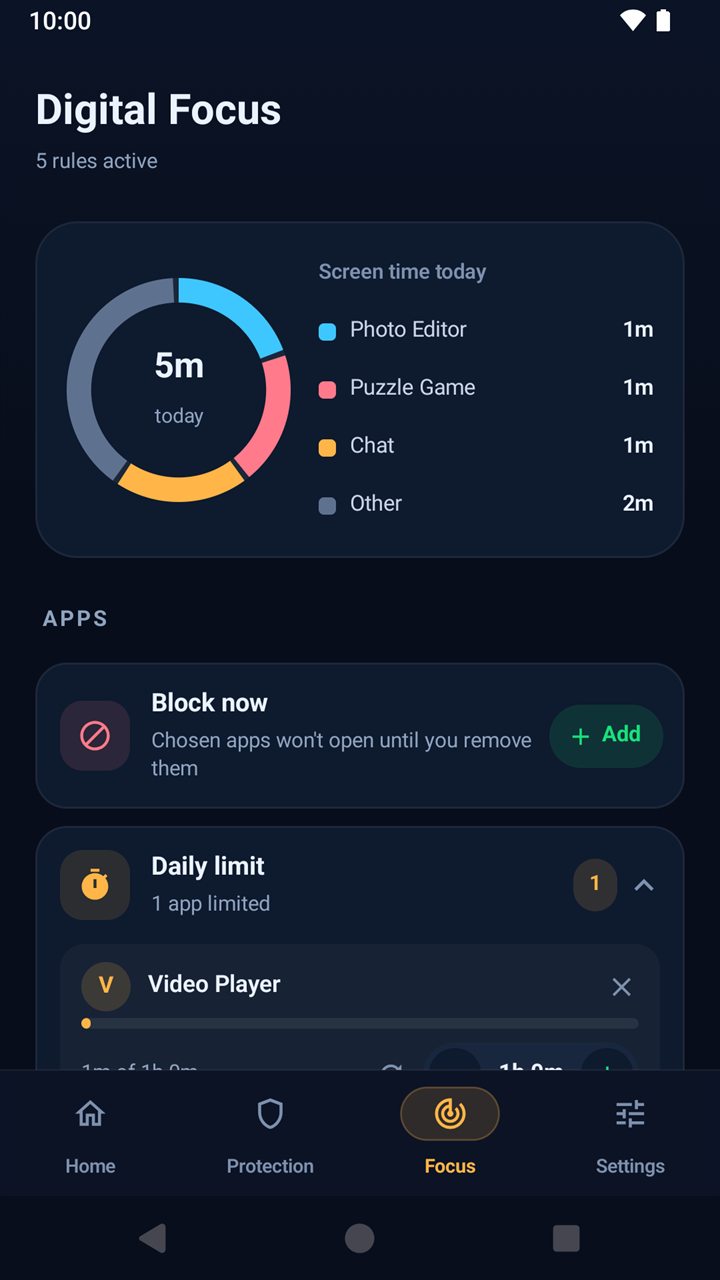
Block apps now, after a daily limit, or during focus hours like bedtime. See today’s screen time at a glance.
App Lock
Keep your security settings yours with a password or fingerprint. Only a salted hash is stored — on your phone.
Uninstall Guard
Optional Device Admin protection so ENDISM can’t be removed without your PIN — ideal for a child’s phone.
Blocked Words
Close any screen that shows words you choose, in browsers and apps — a simple filter that you control.
Boost & Clean
Close background apps, see RAM and storage, and use the optional cache-clear helper built on Android’s own Settings screens.
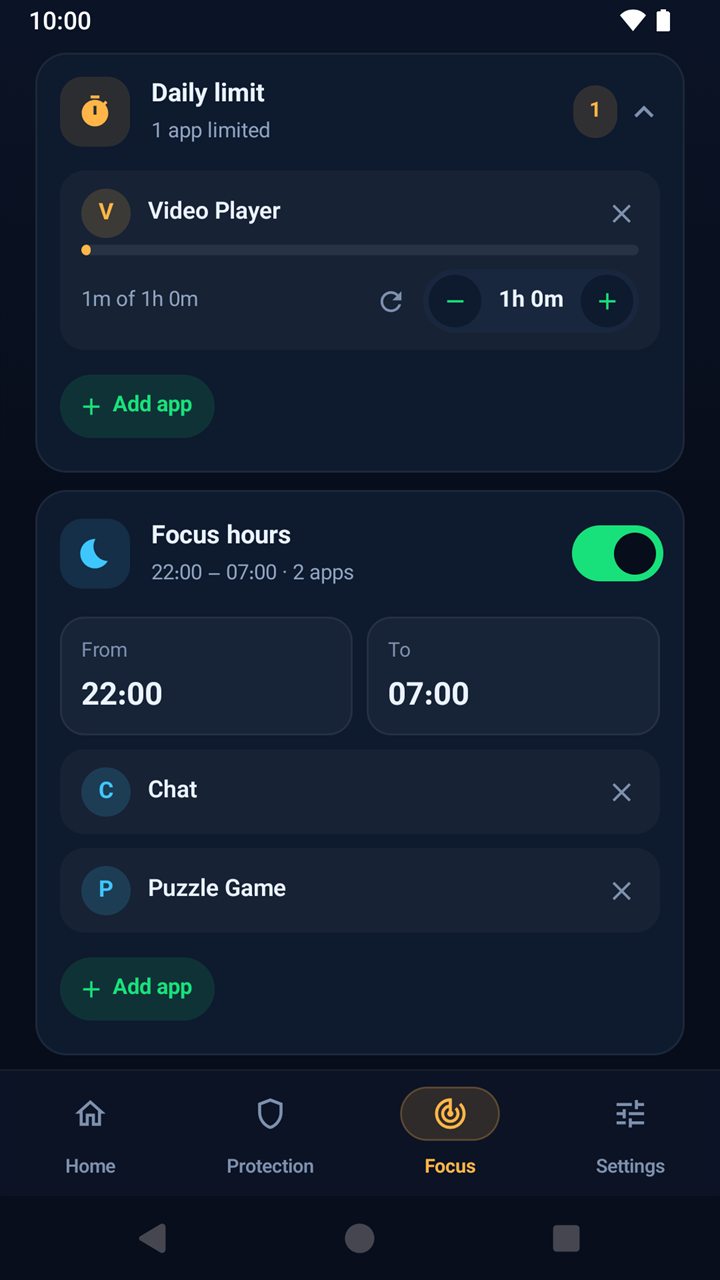
Digital Focus
Screen time, on your terms.
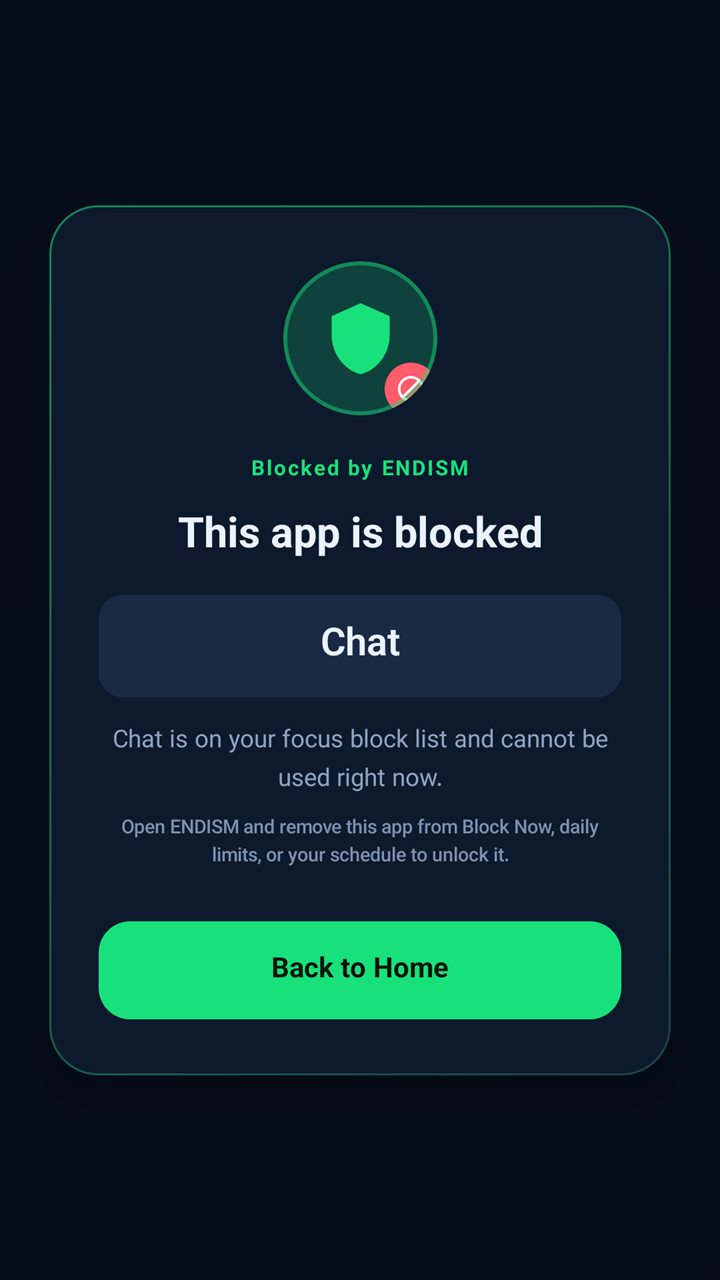
Set the rules once and let ENDISM hold the line. When time is up, the app simply won’t open — no nagging, no loopholes.
Block now — chosen apps stay closed until you remove them
Daily limits — block an app for the rest of the day once its time is up
Focus hours — bedtime and study schedules for the apps you pick
Data limits & device hours — per-app data caps, plus USB and Bluetooth only when you allow
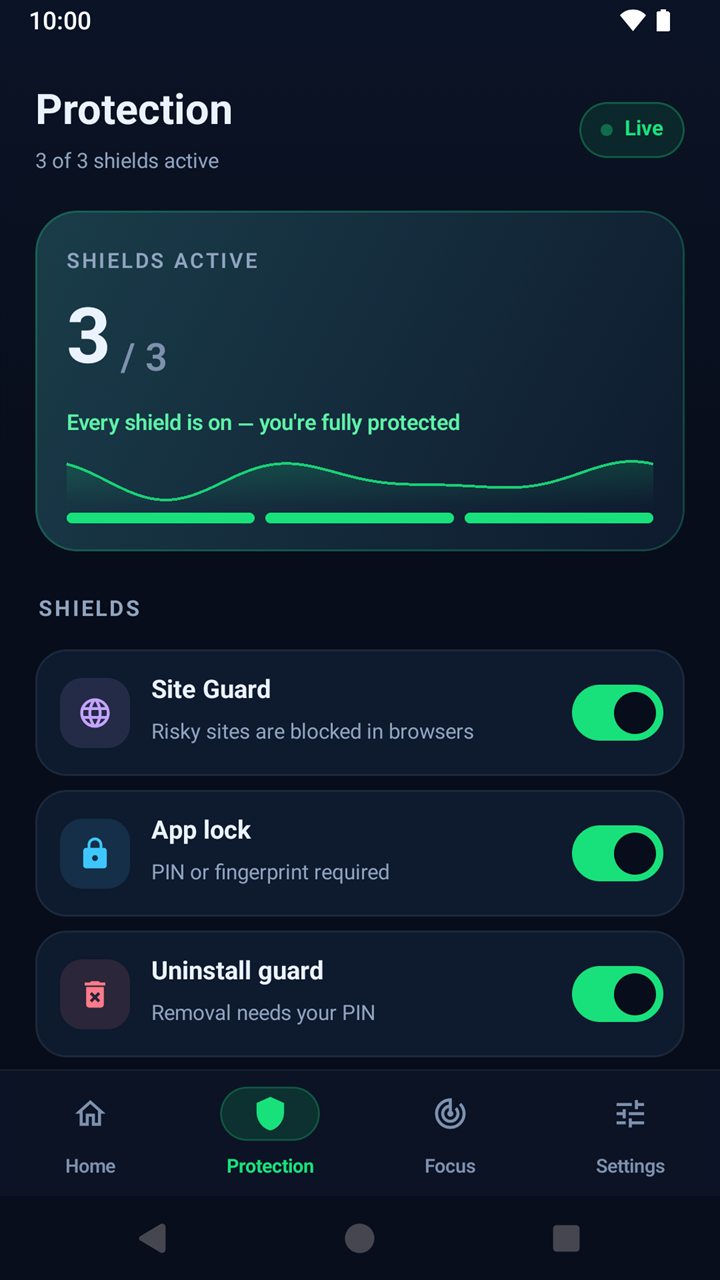
Protection
Three shields. One switch each.
See exactly what’s protecting you, and turn each shield on or off in one tap. ENDISM explains every permission before asking for it.
Site Guard — risky and chosen sites blocked in browsers
App lock — PIN or fingerprint before anyone changes settings
Uninstall guard — removal needs your PIN
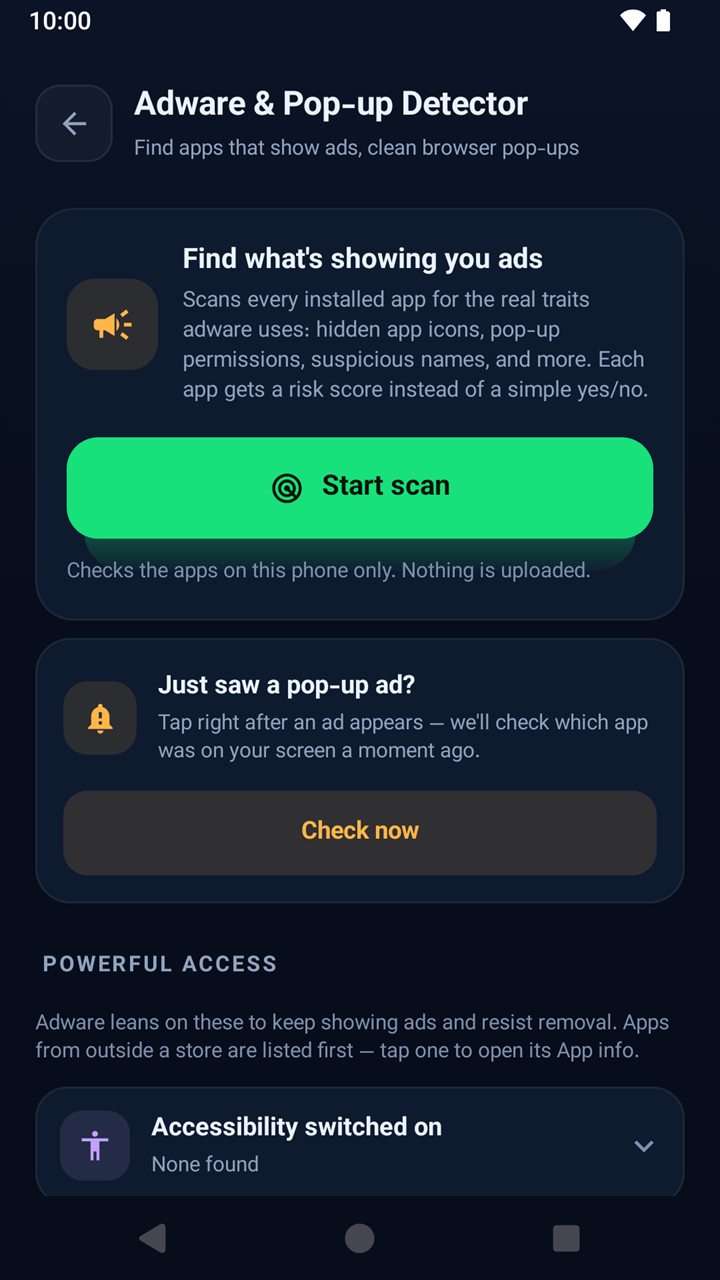
Adware detector
Find what’s showing you ads.
Every app gets a risk score instead of a simple yes or no, with plain-language reasons. Uninstall in one tap — or mark an app you trust so it’s never flagged again.
Just saw a pop-up? Tap once and see which app was on screen
Powerful access audit — apps with Accessibility, Device Admin and more
Browser cleanup — step-by-step help to stop site notification spam
Take a look
Designed to feel calm
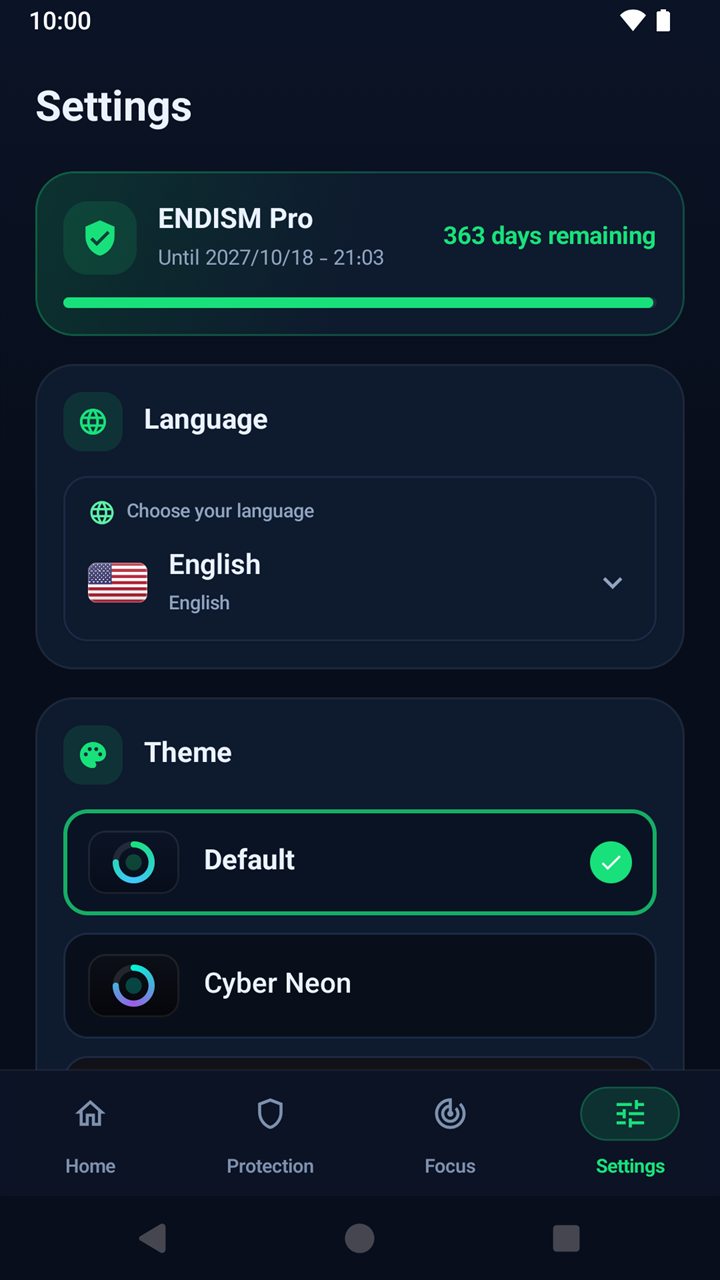
A dark, focused interface with five themes, smooth motion and full right-to-left support.
Home
Protection
Full scan
Screen time
Focus rules
App blocked
Adware detector
Themes
Private by design
Your data stays on your phone
ENDISM checks things where they are — on your device. Only what’s needed to activate your license ever leaves it.
Stays on your device
Your installed apps, scan and adware results
Web addresses and on-screen text checked by Site Guard and Blocked words
Screen time, Focus rules, block lists and settings
Your app-lock password (as a salted hash)
Backups you export — saved wherever you choose
Sent to ENDISM
The license key you enter
A device identifier, so a key works on a limited number of devices
Basic connection data (time, IP, result) for security
That’s it — over HTTPS, only when you activate or check your license. Read the privacy policy
No adsNo analytics or ad SDKsNo VPN or traffic routingNo data sold
Permissions, explained
Asked for only when you need it
After activation ENDISM asks only for core protection. Everything else is requested the moment you turn its feature on — with a clear explanation first.
Accessibility
Lets Site Guard and Digital Focus see the app name, browser address and on-screen text to block what you chose. Checked on your phone only — never stored or sent.
Site Guard · Focus · Boost
Usage access
Shows which app is in front and how long it’s been used, for screen time, limits and the pop-up check. Content inside apps is never read.
Digital Focus · Adware
Installed apps
Needed to scan your apps and list them for rules and the adware detector.
Scan · Adware
All files access
Used only for a Full Scan of APK files on storage. Your files are never uploaded.
Full Scan
Device Admin
Optional uninstall protection, so ENDISM can’t be removed without your PIN.
Uninstall guard
Overlay & notifications
For block screens and alerts. Bluetooth state is read only for the device-hours rule.
Block screens · Alerts
FAQ
Good questions
Is ENDISM a VPN?
No. ENDISM does not use Android’s VPN service and never routes your traffic. Site Guard and Digital Focus work on your device through the Accessibility service you choose to enable.
Does it replace Google Play Protect?
No — it works alongside it. Play Protect and Android’s own security stay on; ENDISM adds app and APK scanning, an adware detector, site and app blocking, app lock and screen-time tools.
Do I need a license?
Yes. ENDISM is activated with a license key. Only the key and a device identifier are sent to our server, so a key can be used on a limited number of devices.
Which phones are supported?
Android 8.0 (Oreo) and later, including Android 15 and 16. ENDISM includes extra setup guidance for Xiaomi, Samsung and other brands with strict battery or permission rules.
Which languages are available?
English, Persian (فارسی, with full right-to-left layout), French, Turkish and Simplified Chinese — in the app and on this website.
How do I get ENDISM?
ENDISM is in a closed beta on Google Play. Email us with the Google account you use on your phone and we’ll add you as a tester: support@endism.tr
Be one of the first.
Join the ENDISM beta on Google Play. Send us the Google account on your phone and we’ll add you to the testers list.